ED LINK
REMOTE
CONNECTING…
Two designs, many options – same performance, same reliability.
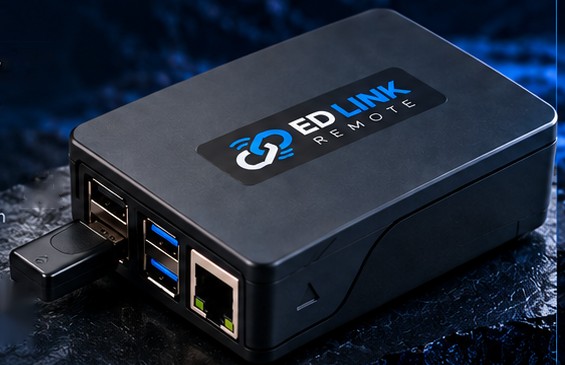
Keep the original Raspberry Pi case and add the ED LINK sticker. Simple, reliable and elegant.
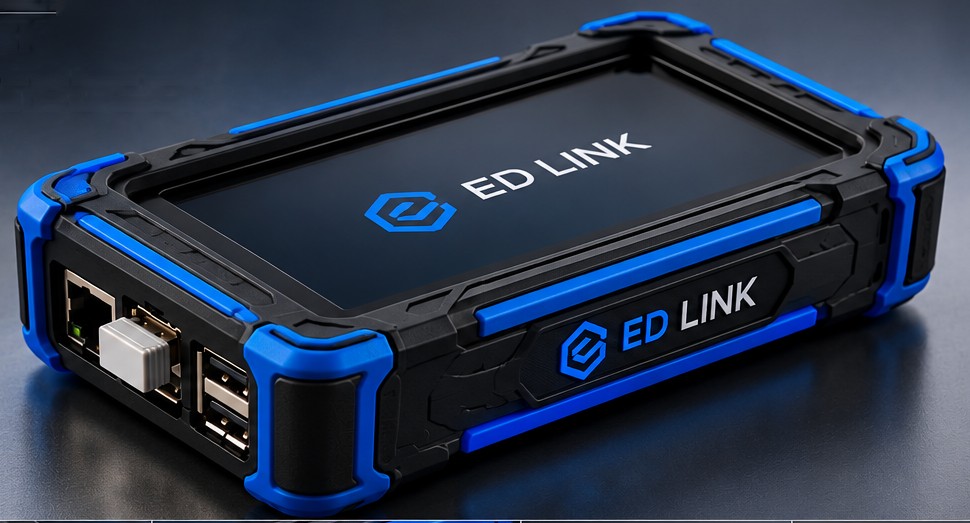
Fully customized 3D printed design with integrated screen, blue corner protection and ED LINK branding.
Connect and manage your devices remotely.
Control multiple devices in one place.
Simple installation and user-friendly interface.
Encrypted connection for safe operation.
Adapted to your system and branding.
No need to be close to the panel – now you can do it all remotely. Made by a service engineer for real work on ships and in industry: commissioning support, fault finding and remote assistance without travelling.
See and operate the panel screen live (VNC). The device finds panels on the network automatically.
Hold a button on the panel from your tablet – needed for activating sections and other hold-to-run functions.
All connections go through our own relay server in Europe. No AnyDesk or TeamViewer licence needed.
Uses the ship Wi-Fi or a LAN cable for internet; the panel network stays separate.
If the connection drops, the device reconnects to the last panel by itself.
Connect from a Windows laptop or an Android tablet with the ED Link app.
Four steps from the box to the remote session.
Connect the LAN cable to the panel network and power on the device.
Connect your phone to the ED Link hotspot – the setup menu opens automatically.
Select the ship Wi-Fi for internet and the HMI panel to share.
Open the ED Link app on your laptop or tablet and connect to the device.
The device and its interface.
Display Case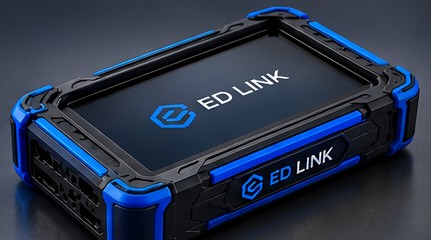 Display Case – top
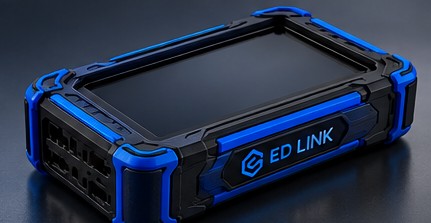 Display Case – rearCustom Case
The ED Link apps are provided to customers together with the device.
Frequently asked questions.
Any HMI panel with a VNC server, e.g. Beijer iX / X2 panels. Other devices on the same network can be reached as well.
Yes – through the ship Wi-Fi or a LAN cable with internet access. The setup menu itself works without internet.
Yes. Connections are end-to-end encrypted and pass only through our private server. Every device has its own ID and password.
Open the menu on your phone and choose Power → Shut down, then unplug.
Interested in ED Link Remote for your vessels or service team? Get in touch.
Switzerland – service worldwide